3D Interface
Exploration
Exploring the 3D interface and interaction of materials

Overview
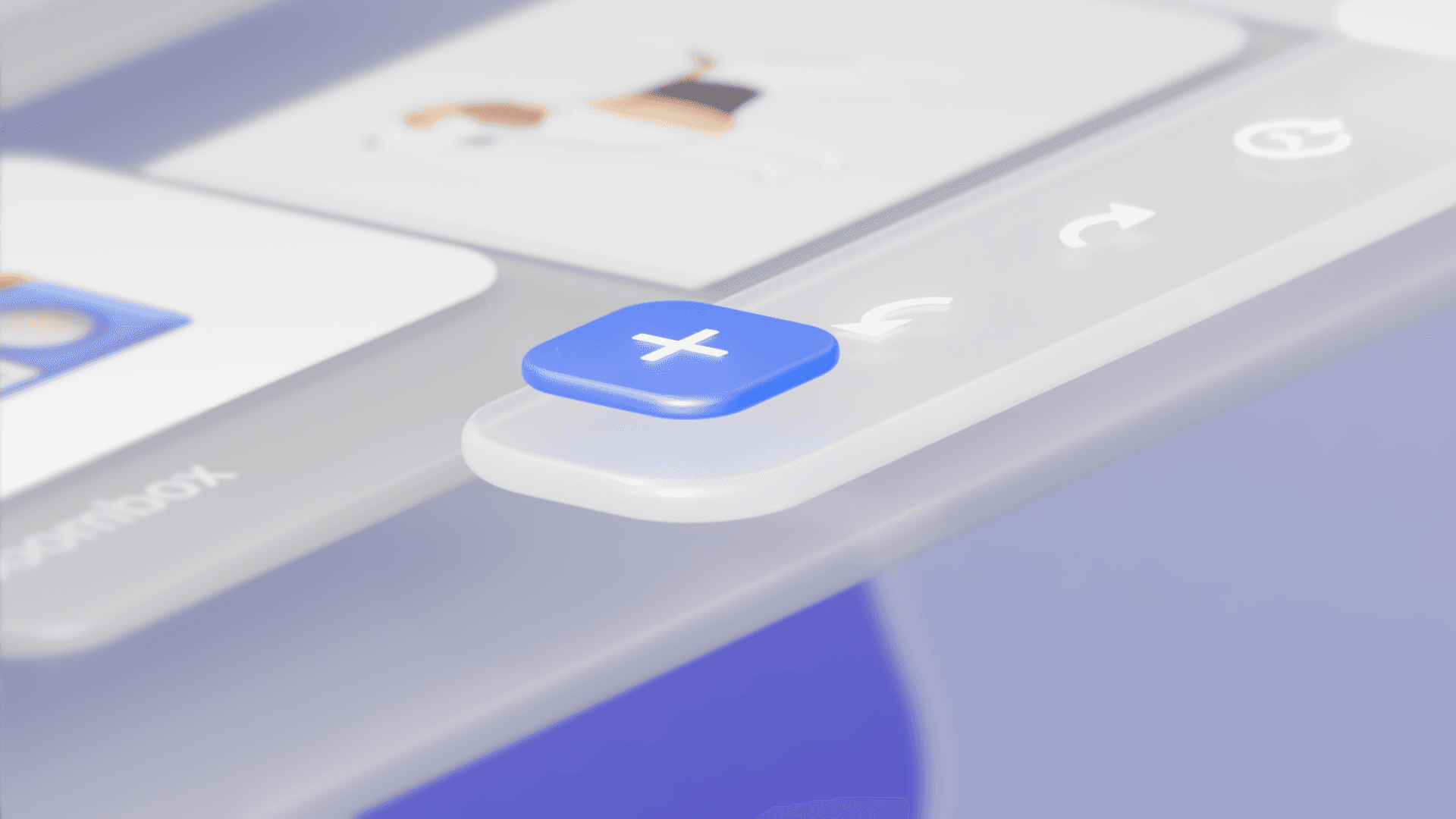
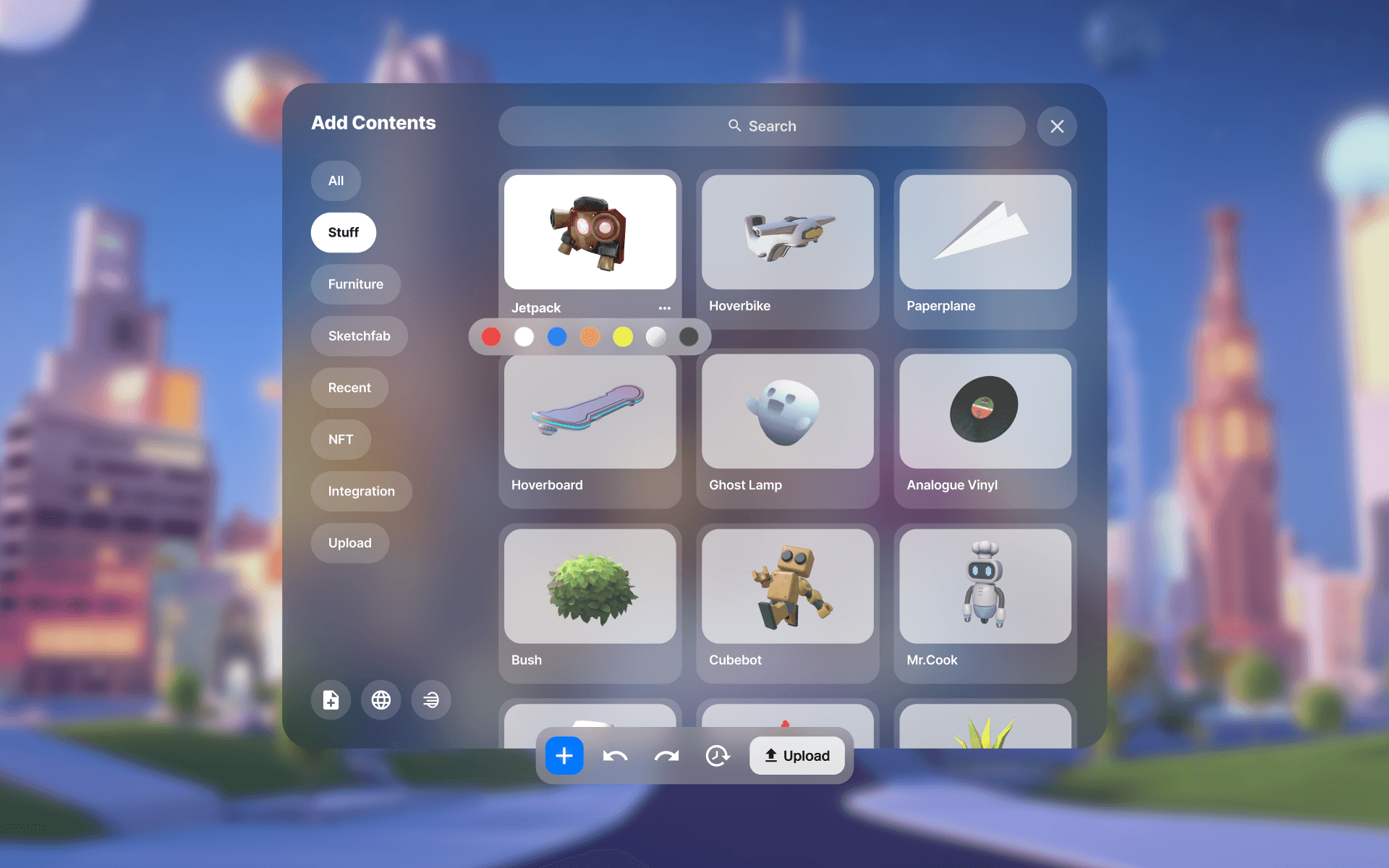
I made a simple design exploration of interfaces and interactions that might be used in XR. Since the interfaces are shown in 3D space, I used depth between interfaces to express hierarchy, and I created relatively translucent materials to blend in with the background rather than floating in isolation.
Also, since the components exist in a three-dimensional state, I tried to utilize the features of 3D to interact with the user in a 3D space as realistically as if they were browsing products or objects in real world.
Interface Material
As the material for the interface that will be used in XR, I chose a frosted glass material. This material has the characteristic of not being solid. Because of this, I thought it would be able to reflect some of the background, both in the real and virtual world, creating a sense of unity and blending between the UI and the background. In other words, it would provide visual comfort to the user.

Visual Hierarchy
with Depth
The biggest difference between 2D and 3D interfaces is the sense of spatial depth. The extra spatial axis (Y axis) in 3D creates a depth that is difficult to perceive on a 2D flat screen.
By using this depth, we can focus the user's eyes on a specific area more effectively. I used this to create a clearer visual hierarchy by moving the hover/active parts further forward and the non-active parts further back, or by making the colors stronger/weaker.
Details